Driver information
Learn how to post trips and share the road with passengers.
Getting started
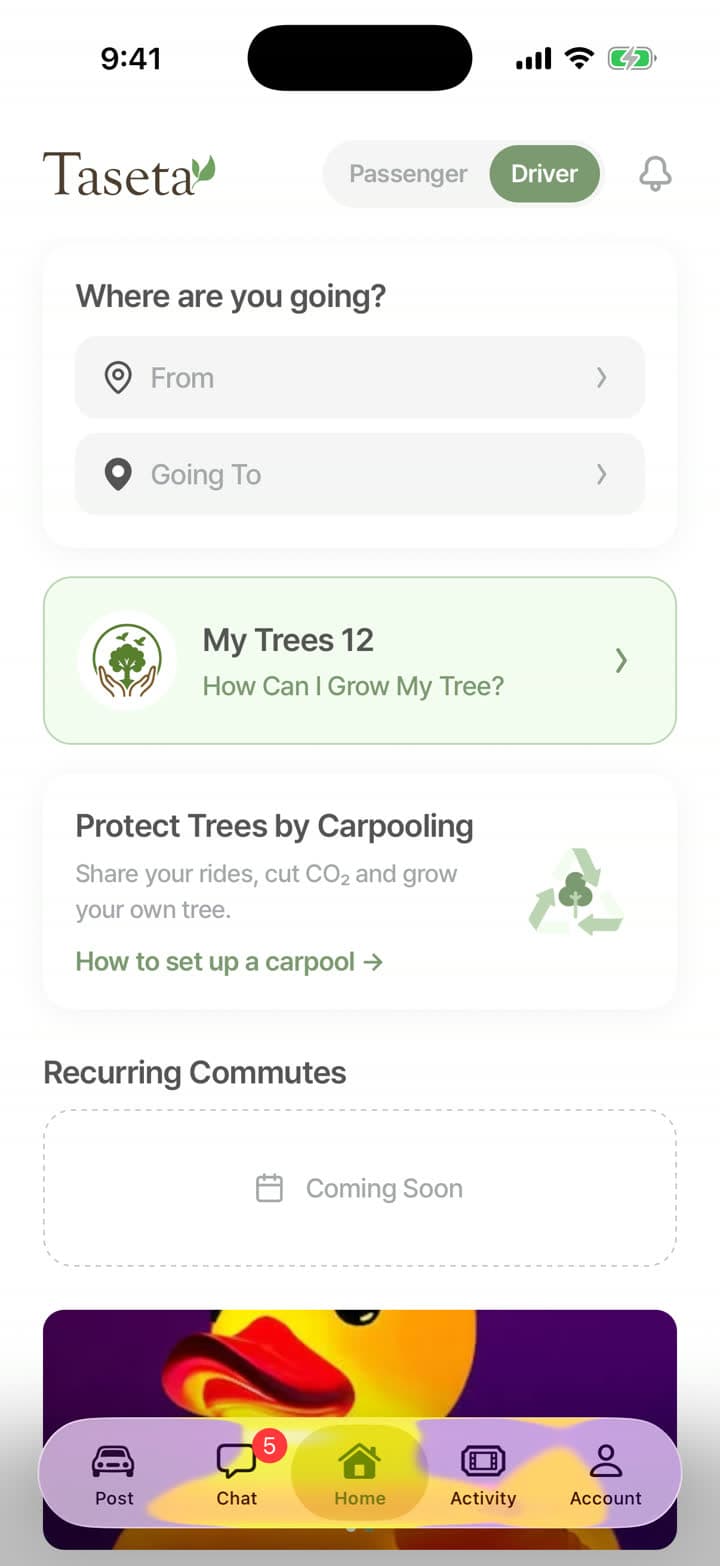
Switch to driver mode in the app and apply.
Add a profile photo, your driver’s licence and photos of your car with its plate, model and number of seats.
Add the bank account where you’d like to receive your earnings.
We review your application. Once you’re approved, you can post trips.
Posting a trip
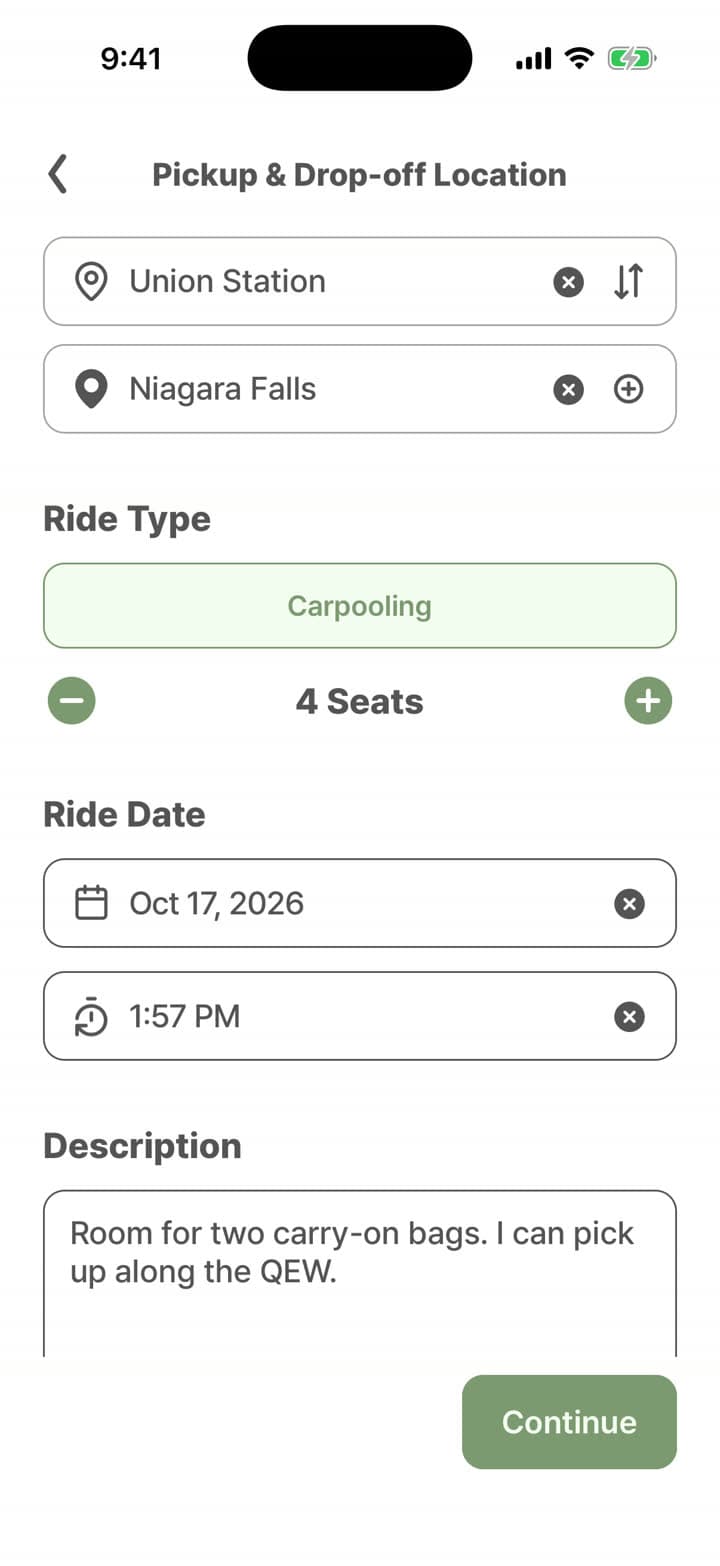
- Add your route with up to three stops along the way.
- Pick the date, time and how many seats you’re offering.
- Show your ride preferences up front: luggage size, smoking, pets, skis or snowboards, bikes and winter tires.
- Add a note for passengers, or reuse one of your previous trips.
Pricing your seats
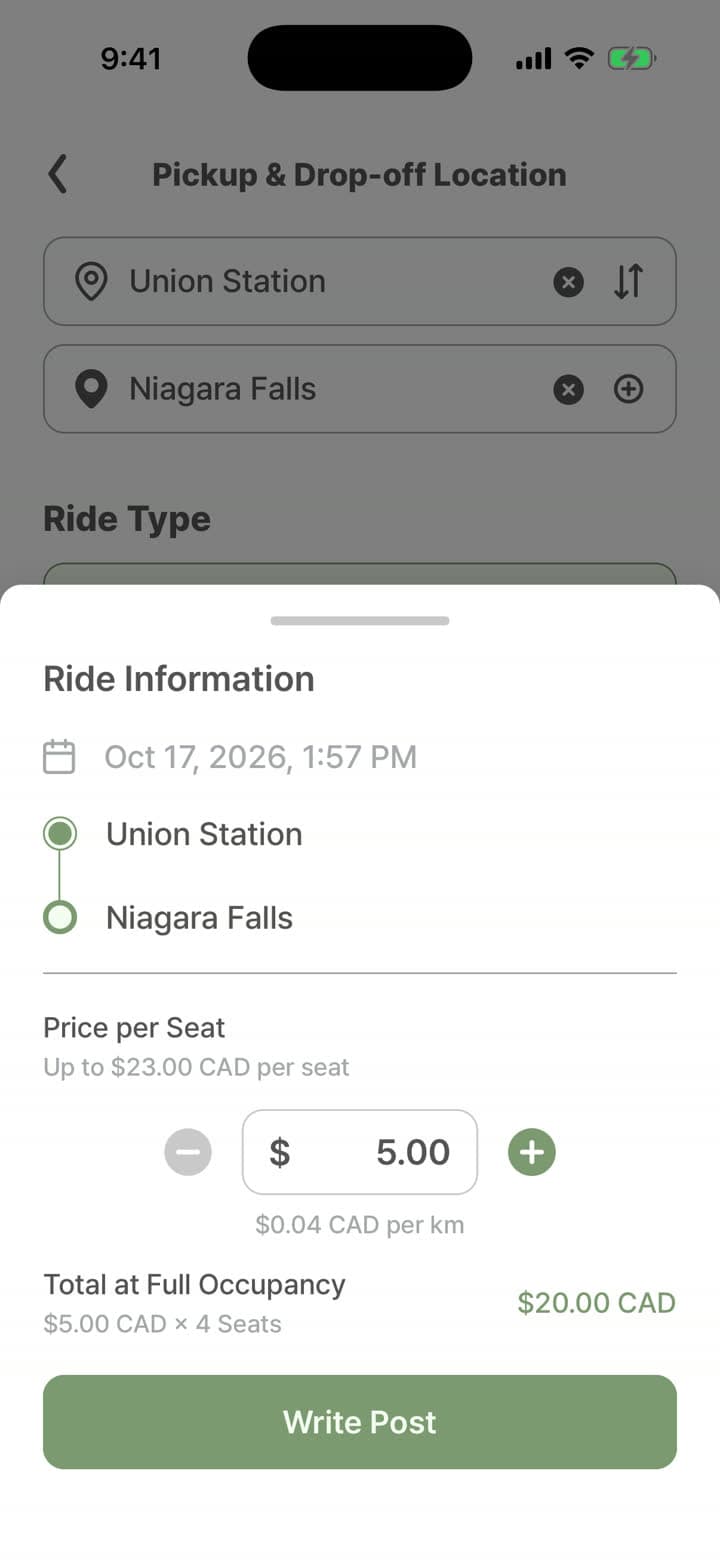
- The app suggests a seat price range based on the distance. Pick any price within it.
- Passengers pay a booking fee on top. The seat fare is yours.
- Your earnings are paid to the bank account you added.
Requests and offers
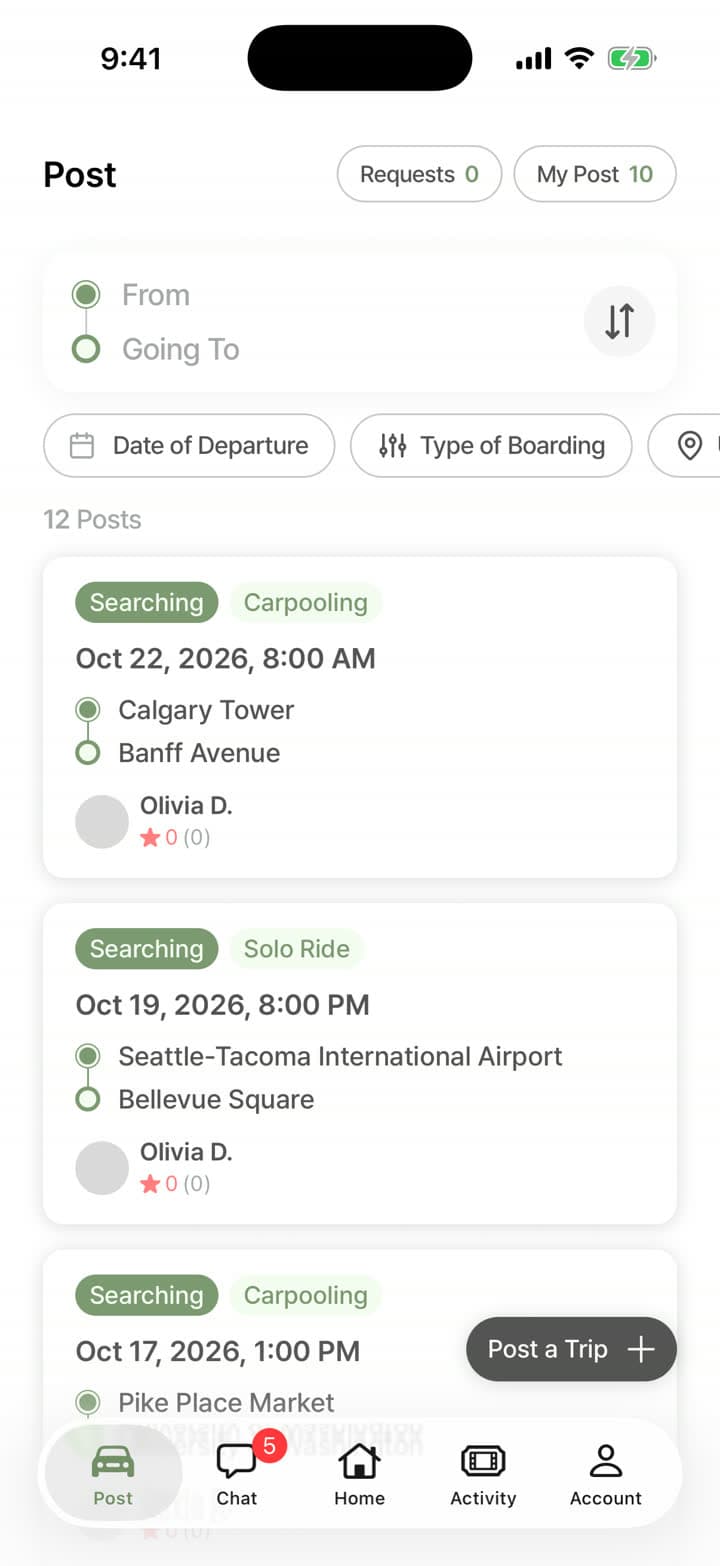
Passengers request seats on your trip and you confirm or decline. You can also offer a seat to passengers who posted a ride request on your route.
Being a great driver
- Keep your car clean and well maintained.
- Arrive on time for pickups.
- Drive safely and follow traffic laws.
- Respect passenger preferences for music, temperature and conversation.
- Let passengers know about any delay right away.
Tax information
Income from carpooling may need to be reported on your taxes. Talk to a tax professional about your situation.
Your next ride is already going your way.
Download Taseta and find a seat, or offer one, today.
- Coming soonApp Store
- Coming soonGoogle Play