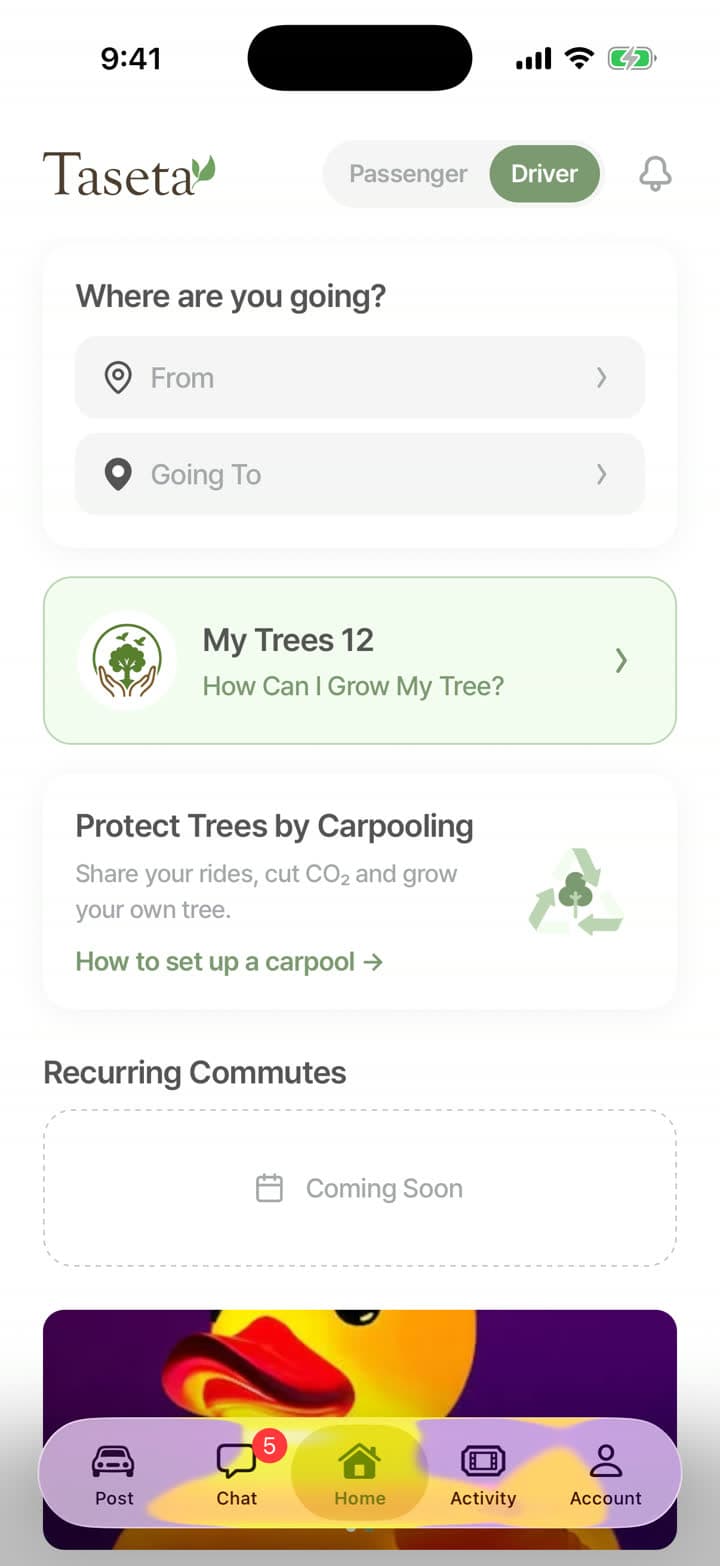
Passenger information
Everything you need to know about finding and booking rides.

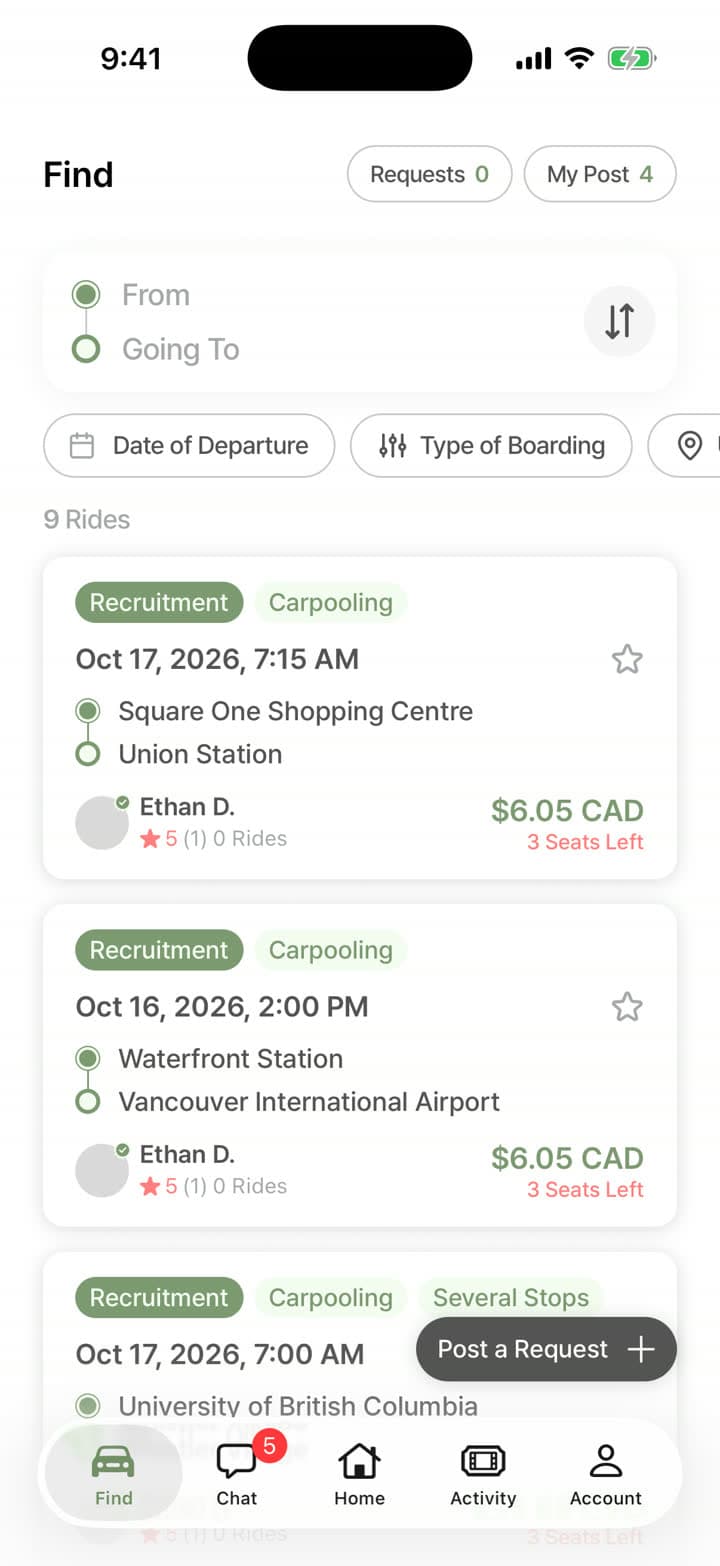
How to find a ride
Enter where you’re leaving from, where you’re going and the date.
Browse trips and compare seat prices, stops and drivers.
Check ratings, reviews and verified badges.
Request a seat for the whole trip or only the part you need, and choose how long the driver has to reply.
When the driver confirms, you’ll get a notification and join the trip’s group chat.
Payment and pricing
- Drivers choose a seat price within a range based on distance, so prices stay fair.
- You pay the seat fare plus a booking fee. The total is shown before you confirm.
- Your card is charged when you request a seat. If the driver declines or doesn’t reply in time, you get everything back.
- Card payments are processed securely by Stripe.
- Cancel a confirmed seat 24 hours or more before departure to get the full fare back. Within 24 hours, you get half the fare back.
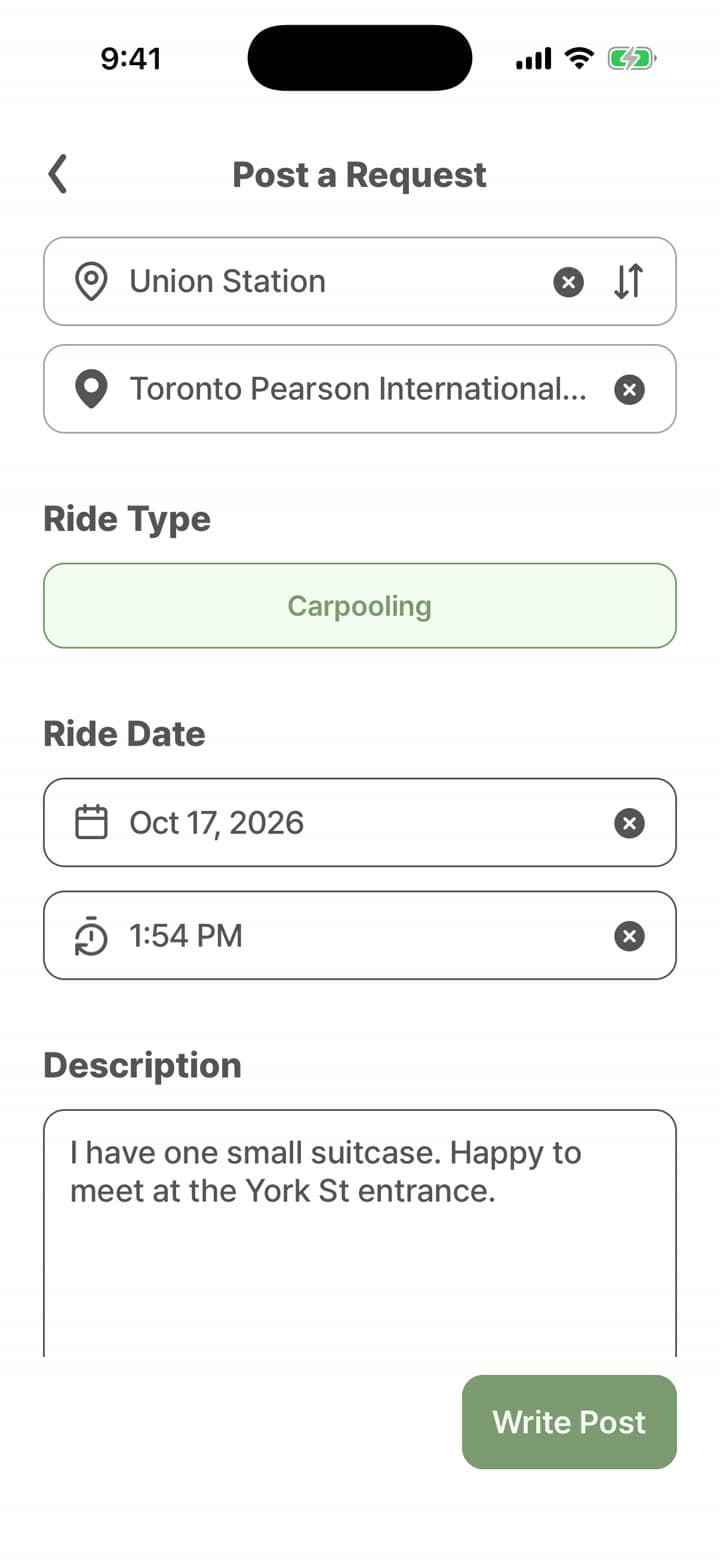
Can’t find your trip?
Post a ride request with your pickup, drop-off and date. Drivers going that way can offer you a seat, and you choose which one to book.
Being a great passenger
- Be on time at the pickup point.
- Keep your profile up to date.
- Communicate clearly with your driver.
- Respect the driver’s car and preferences.
- Be friendly and courteous during the ride.
- Leave an honest review after your trip.
Safety tips
- Check the driver’s profile and car before you get in.
- Share a live link of your trip with a friend or family member.
- Keep your messages in the in-app chat.
- Trust your instincts. Cancel if something feels wrong.
- Report any safety concern right away.
Your next ride is already going your way.
Download Taseta and find a seat, or offer one, today.
- Coming soonApp Store
- Coming soonGoogle Play